
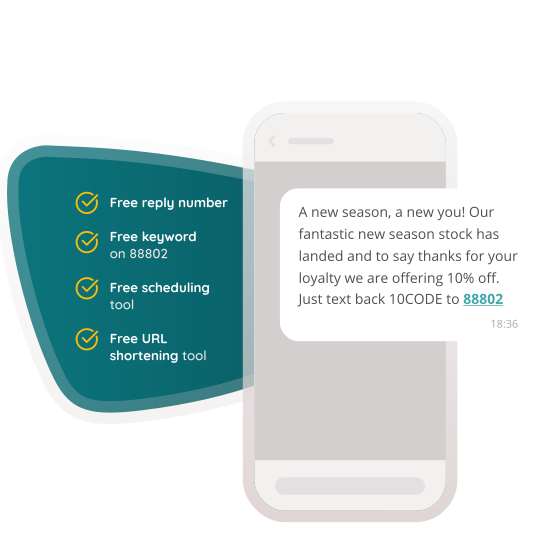
A short code with a big impact
…and keywords that generate responses
Easy, affordable and effective short code SMS & keywords
You can generate eye-popping text message response rates and a mine of customer data with a keyword combined with our 88802 short code. You can even set-up auto-responses to be sent by text or email, making it even more adaptable.
We’ll even give you 1 free keyword with every new account which gives you all the features of a paid keyword (just without the choice).
The how and the why of keywords & short codes…
By setting up your account with a keyword or short code you can expect to uplift your response rates by up to 20% or more. Use in a variety of applications whether in-store, online or even by social media.
With three types of keyword available on our short code there’s something for everyone. Get started now…
- Check if your keyword is available above
- Sign up for your free account…
- …then add your keyword to your account – it’s as easy as that!

What are you waiting for?
See how SMS can work for you in just a few minutes.
No contracts, set up or sign up fees.
Pricing that scales with you
Why pay more for the extras? All of our pricing plans come with expert UK support, API access,
our intuitive web platform and a virtual mobile number as standard.
Starter
Pay monthly from
£54
500 messages
Included
- SMS
- Virtual mobile number
- Local support
- Intuitive web platform
- Sender ID
- API Access
Most Popular!
Growth
Pay monthly from
£143
2,500 messages
Included
- SMS
- Virtual mobile number
- Local support
- Intuitive web platform
- Sender ID
- API Access
Enterprise
Pay monthly from
£468
10,000 messages
Included
- SMS
- Virtual mobile number
- Local support
- Intuitive web platform
- Sender ID
- API Access